Choosing the right portfolio website for your needs is one of the most important decisions that you can make as a creative professional. There are a few different options to choose from, and it’s important to understand what each option offers before making your decision. In this blog post, we will compare free and paid portfolio websites so that you can decide which is best for you!
Note: This article has been updated in March 2026 to reflect changes in some of the recommendations. We’ve removed Flickr, DeviantArt, Krop, and Carbonmade. We’ve also added Instagram, TikTok, Dribbble, Readymag / Framer, LInktree / Bio-links. We also removed the separation between free and paid options, since most of them are free to start and offer upgrade options to remove branding or add features.
1.) Behance
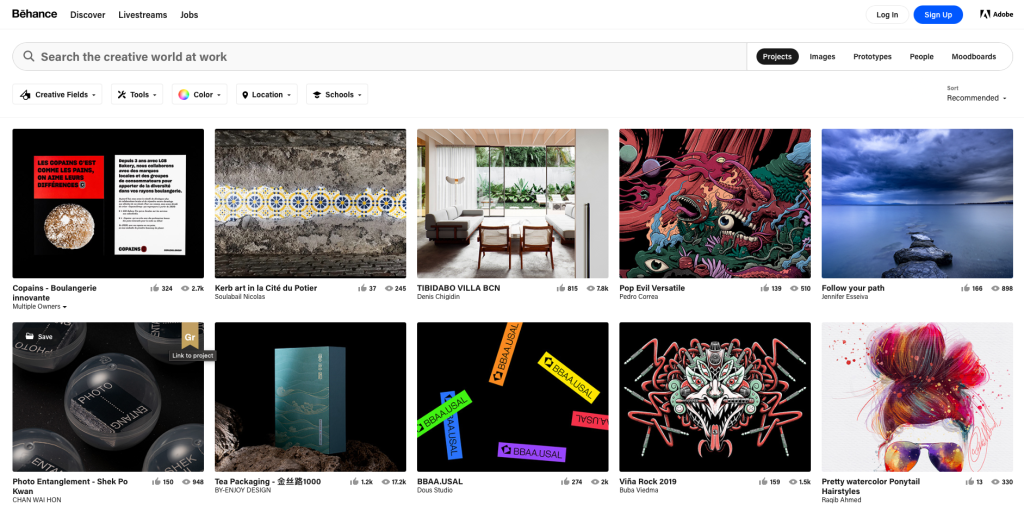
Behance is a free portfolio website that specializes in creative professionals. They have been around for years, now owned by Adobe, and are constantly trying to improve their platform with more features, redesigned tools, and other improvements.
Working like your typical social media platform, the design-savvy can find a new creative outlet on Behance. This site allows designers to upload their projects and connect with others in the field, which creates an online network of potential collaborators.
Note: Best for Graphic Designers & Networking
2.) WordPress
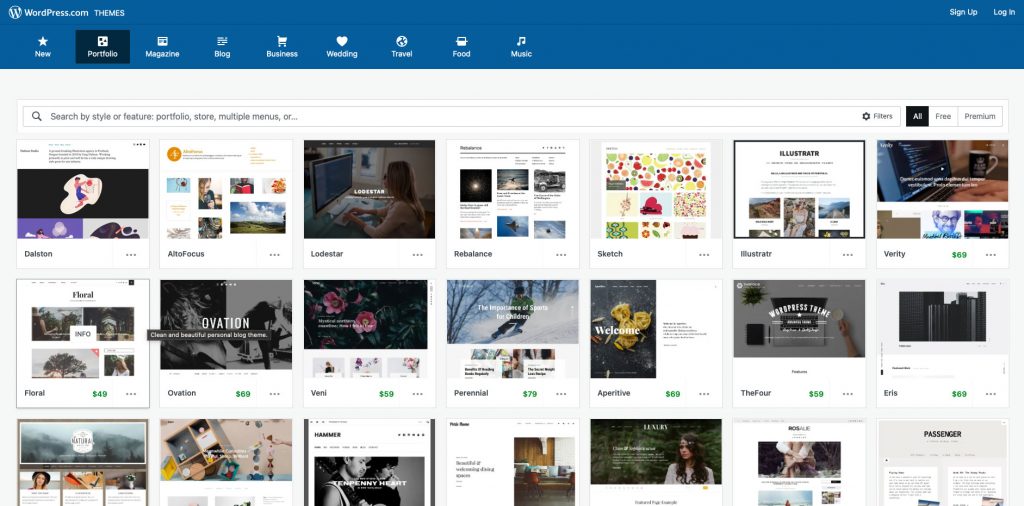
WordPress is another free portfolio website that has been around for quite some time. If you are a blogger who has a lot to write about, this would be the perfect platform! With many options for themes and design, WordPress can be used by any professional – whether you’re an artist or copywriter.
Using WordPress requires slightly more technical knowledge, especially if you want your own personal domain name, but it’s nothing you can’t handle. In fact, WordPress has a HUGE community, so you’ll always have someone to ask if you need a helping hand.
For those who want the power of WordPress without the setup headache, managed WordPress hosting can handle the technical backend for you.
3.) Instagram
While originally a photo-sharing app, Instagram has evolved into the world’s largest “top-of-funnel” portfolio. For creatives, a curated grid serves as a visual business card that allows potential clients to discover your work through hashtags and the Explore page. By utilizing Stories and Highlights, you can show the “behind-the-scenes” process of your projects, building a level of personal branding and trust that traditional static portfolio sites simply can’t match.
4.) TikTok
TikTok has revolutionized the portfolio landscape by prioritizing short-form video and personality. It is the premier platform for “Process Portfolios,” where designers, artists, and developers film time-lapses of their work or explain their creative decisions. Because of its powerful discovery algorithm, TikTok allows new creators to go viral and land major opportunities based on the quality of their content rather than the length of their resume.
5.) Dribbble
Dribbble is the go-to community for UI/UX designers, illustrators, and product designers to share “shots”—small screenshots of work-in-progress or completed designs. It functions as both a portfolio and a specialized job board, where high-end tech companies scout for talent. Unlike the long-form case studies found on Behance, Dribbble is perfect for showing off specific micro-interactions, iconography, and aesthetic trends in a quick, digestible format.
Note: Best for UI/UX & Product Designers
6.) Readymag
For those who want to break away from standard grid layouts, Readymag offers a browser-based design tool that feels more like a high-end fashion magazine than a website builder. It is highly favored by graphic designers and creative directors for its “drag-and-drop” freedom and sophisticated animation capabilities. Readymag allows you to create immersive, interactive stories that function perfectly on both desktop and mobile without requiring a single line of code.
7.) Framer
Framer has rapidly become the gold standard for web designers who want their portfolios to feel “alive.” It bridges the gap between design and production, allowing you to build high-fidelity, interactive sites with complex transitions and responsive layouts that are usually only possible with custom coding. If you want a portfolio that looks like it was built by a senior front-end developer, Framer is the most powerful tool in the modern designer’s arsenal.
Note: Best for High-End Interactive Portfolios
8.) Linktree
As creators spread their work across various platforms, Linktree has become the essential “hub” for a fragmented digital presence. It provides a simple, mobile-optimized landing page that houses all your important links—from your latest shop update to your YouTube channel or contact form. For many modern professionals, a Linktree in their social media bio serves as the primary entry point for clients, leading them exactly where they need to go in just one click.
Note: Best for Social Media “Link-in-Bio”
9.) Squarespace
If you are looking for a professionally designed website that offers simple content management, then Squarespace may be the best option for you! It has been around since 2004 and their site says it can take as little as 15 minutes to build your own customized website.
Note: Squarespace offers a free trial, but not a free version.

10.) FolioHD
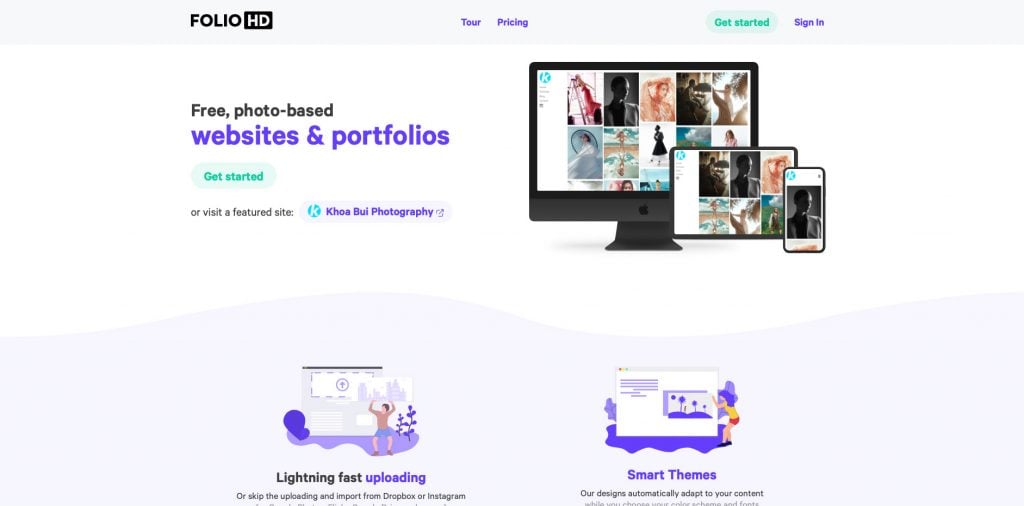
FolioHD is a site that specializes in design and illustration. They are a free portfolio website, but they also offer access to premium content for subscribers. FolioHD will take your minimalist portfolio and turn it into a full-blown website with custom pages, links to external sites (blogs etc.), and navigation links.
11.) Crevado Portfolios
Crevado is a robust platform that has gained significant traction in the creative community over the last decade. They focus on creative professionals and offer two pricing options: free or premium.
Crevado takes pride in keeping their clients’ work private and secure! They do this via a variety of privacy-focused features for your portfolio. For example, you can mark projects as “private” so they don’t show up on public view. You can also protect sensitive content by password protecting it from prying eyes.
Upload, edit, and share your most prized memories in a snap. You can also use their drag-and-drop interface to rearrange your work anything at any time – nice!
